


Regular maintenance is essential for ensuring that security systems continue to provide reliable protection over time. Security cameras, whether indoor or outdoor, are exposed to dust, moisture, and temperature fluctuations that can gradually reduce performance. Digital components such as firmware and storage also require consistent attention to prevent vulnerabilities and data loss. Even the most advanced system can fail without proper care, making routine upkeep a key part of long-term security planning. In this article, practical strategies are provided to help maintain cameras and supporting devices for dependable performance over years of use.
Routine Physical Inspection and Cleaning
Inspecting cameras and their surroundings is a simple but crucial step in system maintenance. Checking for accumulated dust, debris, or spider webs around lenses can prevent blurry footage and ensure clear recordings. Outdoor cameras, in particular, may require extra attention after storms or seasonal changes, as wind and rain can shift their positioning or deposit grime. Gentle cleaning with a soft cloth and appropriate lens cleaner helps maintain image clarity without damaging sensitive components. Regular physical inspections also allow early detection of loose mounts or damaged cables, avoiding costly repairs in the future.
Keeping Your System Updated and Secure
The Critical Importance of Firmware Updates
Firmware updates play a central role in keeping security systems safe and efficient. These updates often include bug fixes, performance enhancements, and new features that improve monitoring capabilities. Ignoring firmware updates can leave cameras vulnerable to operational glitches or cybersecurity risks, even in private residential networks. Automatic update features can simplify this process, though manual verification ensures that each device is current. Staying current with updates maintains the stability of the system while extending the functional lifespan of the cameras.
Managing Storage and Reviewing Footage Habits
Proper management of storage is vital to prevent system slowdowns or loss of crucial footage. Many systems record continuously, which can quickly fill local storage or cloud accounts. Implementing routine review schedules helps identify unnecessary footage that can be deleted or archived, freeing space for future recordings. Regularly checking recording schedules, motion detection settings, and storage allocation prevents accidental overwrites. Consistent monitoring and storage organization ensure that critical events are reliably captured without creating strain on the system’s resources. By keeping storage usage under control, you help the system operate more reliably without unexpected interruptions.
Preserving Mechanical Integrity in Active Components
Preventing Wear in Moving Parts
Cameras with moving components, such as pan-tilt-zoom devices, require careful attention to mechanical wear. Frequent motion without maintenance can lead to loosened gears or noisy operation, which affects accuracy and responsiveness. Positioning cameras to minimize extreme or unnecessary movement reduces strain on motors. Outdoor cameras exposed to wind or sudden environmental changes may experience additional stress, making regular checks more critical. By preventing mechanical degradation, cameras maintain precise coverage and extend operational longevity.
Lubricating and Calibrating for Smooth Operation
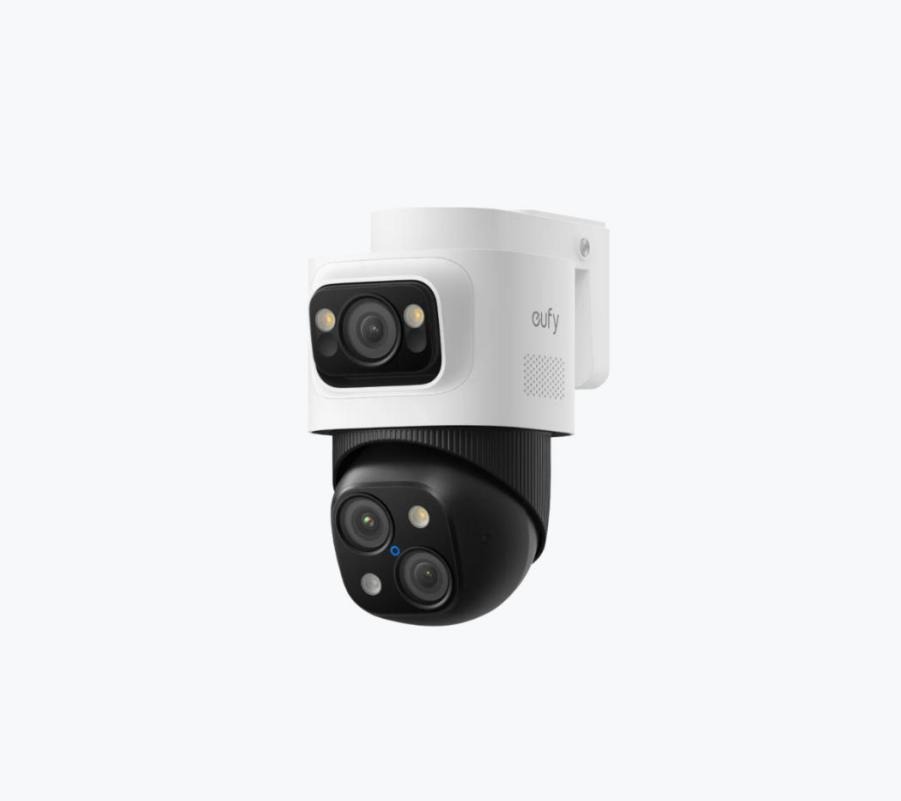
Periodic lubrication and calibration are essential for devices with moving parts to operate reliably over time. Applying recommended lubricants reduces friction and prevents wear, while regular calibration ensures that pan, tilt, and zoom movements remain precise and consistent with monitoring software. For a PTZ camera to sustain its full range of motion and intelligent tracking capabilities long-term, it must be engineered for durability from the start. This is where a system like eufy’s PTZ security camera stands out—it is designed to require minimal maintenance while delivering smooth, reliable motorized coverage, ensuring that critical areas are always monitored accurately without frequent manual intervention.
Planning for the Future: Upgrades and Expansion
When to Consider Technology Refresh
Even well-maintained systems may eventually require technology upgrades to maintain effectiveness. Advancements in camera resolution, low-light sensitivity, or intelligent detection features can improve coverage and reduce false alerts. Assessing the age of devices, system responsiveness, and compatibility with newer software can guide decisions on refresh timing. Upgrading strategically ensures that improvements are balanced with cost and effort, avoiding unnecessary replacement of components still functioning correctly. Planning ahead prevents sudden system obsolescence and maintains high security standards.
Adding Cameras That Reduce Overall System Strain
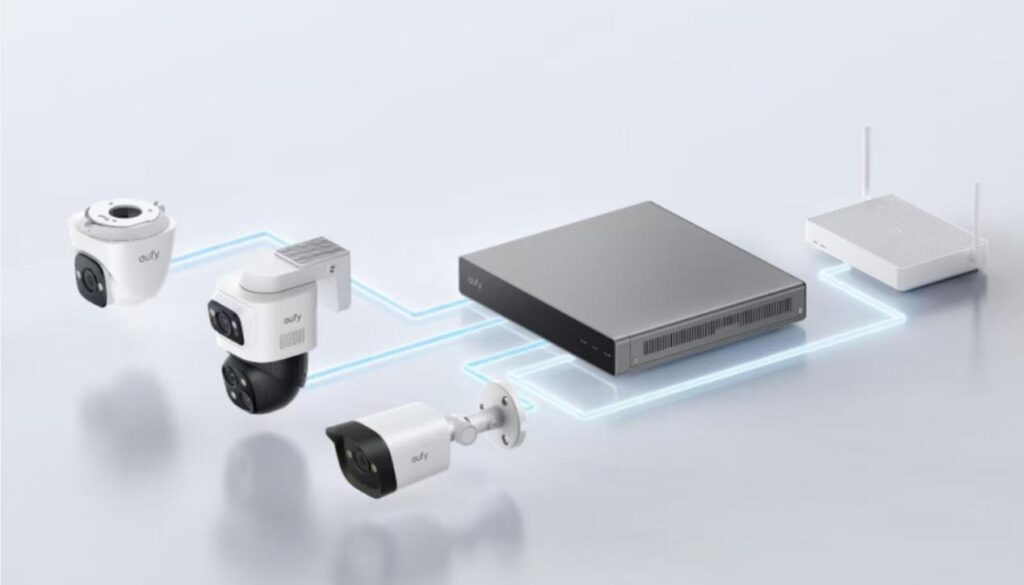
Expanding a system with additional cameras can actually reduce strain if done thoughtfully. Placing cameras in areas that reduce overlapping coverage or supplement blind spots ensures that no single device is overworked. Intelligent placement also optimizes recording schedules, balancing storage usage and network traffic. Systems designed for scalability accommodate new cameras without compromising existing functionality. By integrating extra devices carefully, homeowners maintain a high level of protection while keeping the system manageable and efficient.
Conclusion
Long-term reliability depends on proactive maintenance and thoughtful planning. Regular inspection, cleaning, firmware updates, and storage management ensure that cameras continue to function as intended. Protecting mechanical integrity through calibration and lubrication prevents premature wear and operational issues. Considering future upgrades and careful expansion allows the system to adapt to changing needs without sacrificing performance. By following these practices, security systems remain trustworthy tools for safeguarding homes and properties over many years. Read More
